

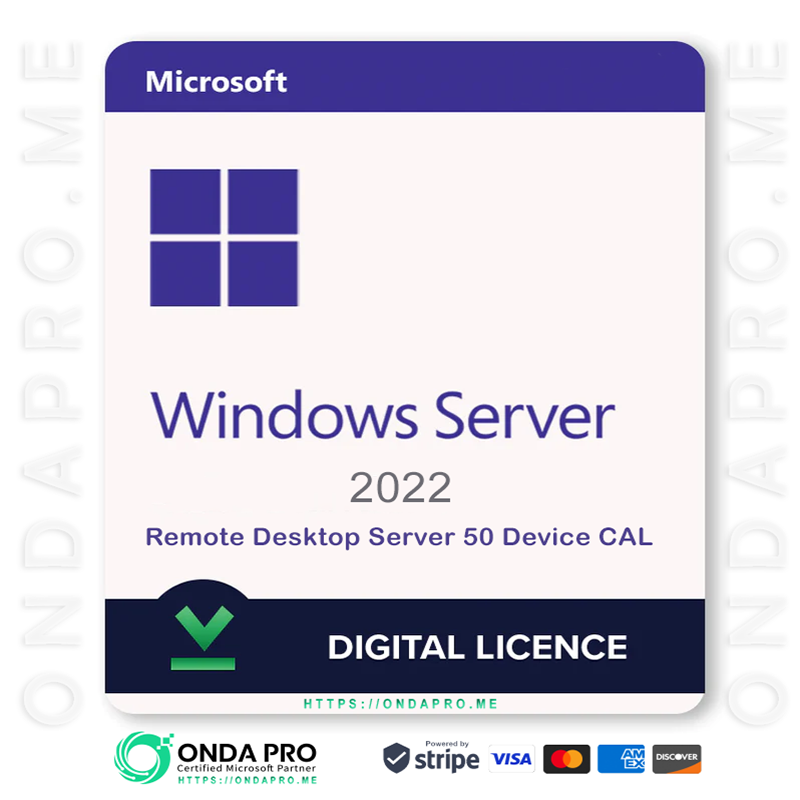
Windows Server 2022 RDS 50 Device CAL Key
Original price was: €277.28.€83.18Current price is: €83.18. EUR
Save -€194.10
 Microsoft Authorized Partner.
100% authentic licences.
Fast product delivery via email.
Friendly and professional support.

Microsoft Remote Desktop Services (RDS) 2022 — 50 Device CALs
Microsoft Remote Desktop Services (RDS) 2022 delivers secure, centralized access to company desktops and applications — whether users are in the office or working remotely. With 50 Device Client Access Licenses (CALs), you can authorize up to fifty devices to connect to your Windows Server environment. Any number of users can log in from those licensed devices, making Device CALs ideal for shared workstations and shift-based environments.
IMPORTANT: This license includes 50 DEVICE CALs.
Choose Device CALs when multiple people share the same computers (for example: offices, labs, warehouses, classrooms, or kiosks).
What RDS 2022 Delivers
Secure Remote Access for Shared Workstations
Provide fast, reliable access to desktops and business apps from licensed devices — centrally delivered through Windows Server 2022 and designed to align with future platforms like Windows Server 2025.
Simplified IT & Cost Control
License the devices your team uses instead of every individual user — perfect when staff rotate across the same PCs.
Enterprise-Grade Security
Built on Windows Server 2022, RDS supports hardened encryption, identity protections, and secured-core configurations — with a forward-looking upgrade path toward Windows Server 2025.
Hybrid and Remote-Friendly
Deploy on-prem, in hybrid environments, or alongside Azure — without needing to change how your CALs are assigned.
Key RDS Components (when properly licensed)
- Remote Desktop Session Host (RDSH): Delivers desktops and applications
- Remote Desktop Licensing: Activates and tracks CAL usage
- Remote Desktop Gateway: Secure HTTPS access from anywhere
- Remote Desktop Web Access: Launch apps and desktops via browser
- Connection Broker: Balances sessions and reconnects users smoothly
These CALs provide access rights. You still need a valid Windows Server license (2022 — and compatible with Windows Server 2025 when available).
RDS 2022 — DEVICE CALs Explained
A Device CAL is assigned to a specific computer or terminal.
Anyone who signs in from that licensed device is covered — regardless of how many users there are.
Choose Device CALs when:
- Teams share the same PCs across shifts
- You operate training rooms, labs, libraries, or kiosks
- You want predictable licensing tied to hardware
- Contractors or visitors frequently use your in-house machines
(If employees each use multiple devices — laptops, tablets, home PCs — User CALs may be more cost-effective. Many organizations use a mix.)
RDS 2022 vs Earlier Versions
- Better performance and reliability for remote sessions
- Stronger encryption and modern security baselines (including TLS 1.3)
- Tight integration with Microsoft 365 and Azure
- Prepared for modern deployments — including Windows Server 2025
Organizations upgrading from RDS 2016/2019 gain improved security, manageability, and long-term stability.
Activation & Deployment Guide
When you purchase RDS 2022 — 50 Device CALs, you’ll receive:
- Your RDS license key
- Step-by-step activation instructions
- Guidance on assigning Device CALs through Licensing Manager
Basic activation steps:
- Install the Remote Desktop Licensing role on Windows Server 2022.
- Activate the Licensing Server with Microsoft.
- Enter your 50 Device CAL key.
- Assign CALs to the devices that will connect.
Your environment will be well positioned for future transitions — including Windows Server 2025.
Frequently Asked Questions
Do I still need Windows Server licenses?
Yes. CALs cover user/device access — the server itself must also be licensed.
Can Device and User CALs be mixed?
Yes. Many businesses combine both to match different departments’ needs.
Do Device CALs allow multiple people to share one PC?
Exactly. Any number of users can connect from a licensed device.
Are Device CALs valid for virtual desktops and published apps?
Yes — they work with RDS session hosts, published apps, and VDI scenarios.
Do remote users need internet access?
Only when connecting over the internet. Local users can connect internally.
Why Choose RDS 2022 — 50 Device CALs?
- Ideal for shared PCs and shift-based work
- Predictable, hardware-based licensing
- Centralized security and management
- Scales easily as devices are added
- Ready for modern environments including Windows Server 2025
Give your organization secure, standardized remote access — while keeping licensing simple and cost-effective.
Why Choose ONDAPRO To Buy Licenses?
At ONDAPRO, we take pride in being a trusted software reseller committed to providing our customers with a smooth and secure purchasing experience. Here’s what sets us apart:
- Authentic Software: We supply only genuine software from top brands. As an authorized reseller for Microsoft, we guarantee the authenticity and quality of every product.
- Unbeatable Prices: Benefit from discounts of up to 70% off retail prices.
- Excellent Customer Service: Our support team is available 24/7 and is highly rated by our customers. We maintain an outstanding average rating of 4.9/5 across platforms like Trustpilot.
- Secure Payment Options: Choose from a variety of secure payment methods, including Google Pay and credit cards, for a hassle-free checkout process.
- Instant Delivery: Product keys emailed instantly or within 4 hours of purchase.
Activation of all purchased products should be performed no later than 1 month after the purchase date.
Note that the activation period is not the warranty period of the product – all warranty details are thoroughly explained in the terms and conditions section.



 Office
 Office for Mac
 Windows
 Project
 Visio
Visio Windows Server